
PRO Monthly
US$2.99 / month
Flexible monthly access.
- Save unlimited timers
- Name each timer
- Save timers that repeat on selected days
- Personalize sounds, themes, and colors
COUNTDOWN TIMER TO A SPECIFIC CLOCK TIME
UNTIL Timer lets you set an end time such as 3:30 PM—not just a duration—and shows exactly how much time remains.
Just pick the time you want to finish.
Seeing the countdown helps you stay focused.
Set an end time, not a duration.

WHY UNTIL
HOW IT WORKS
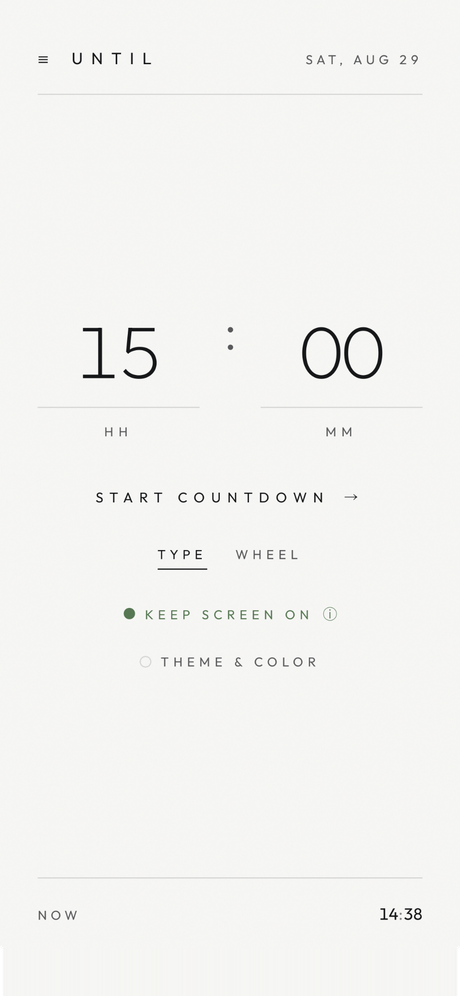
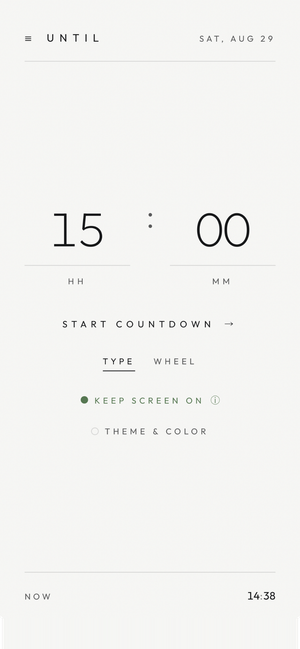
One "until when."
Minutes from now works too.
One "until when." Minutes from now works too.
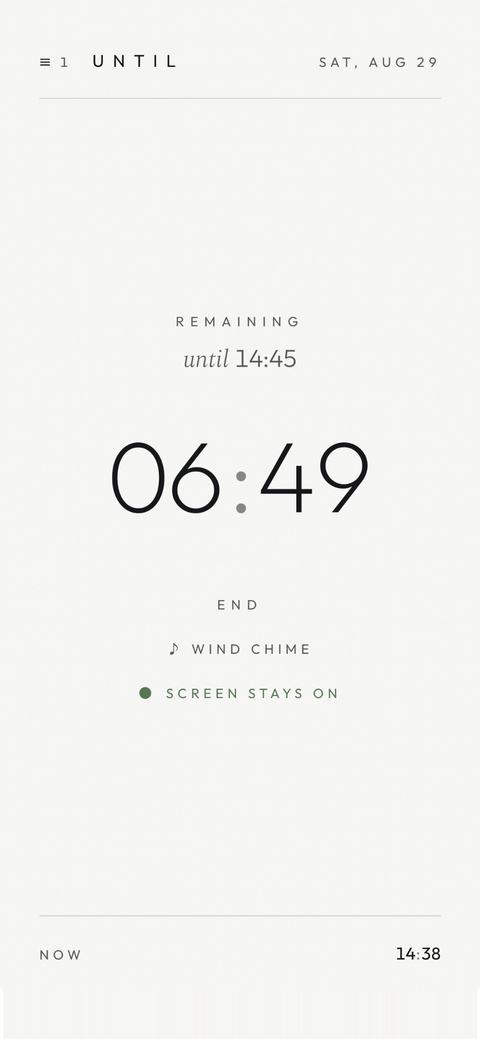
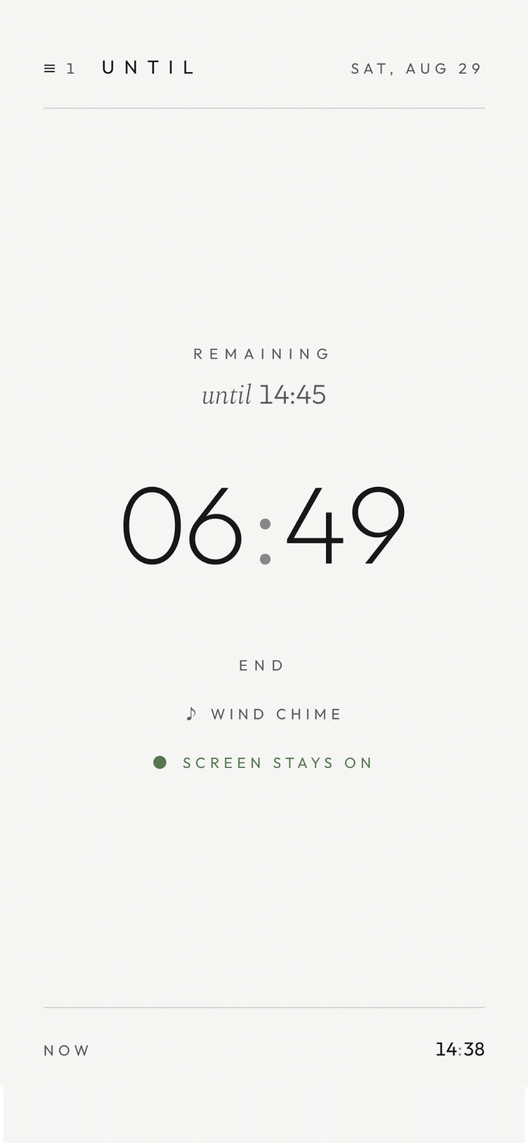
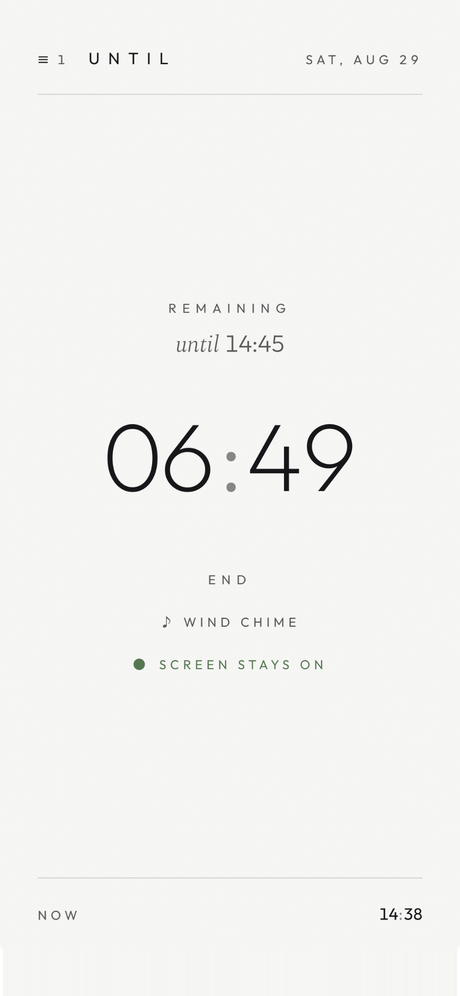
The remaining time counts down,
large and quiet.
The remaining time counts down, large and quiet.
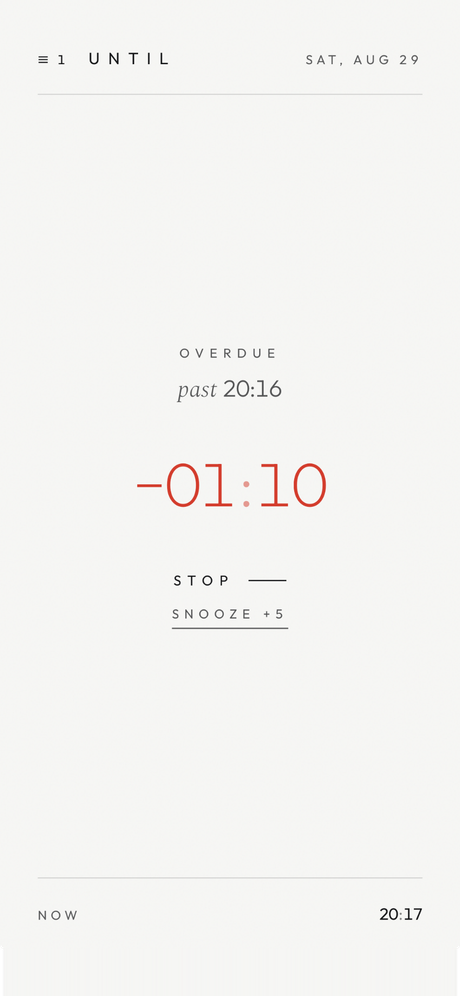
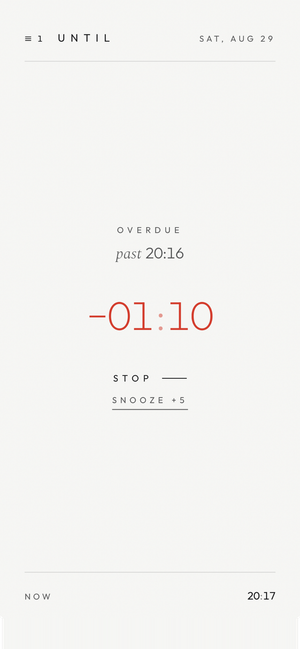
The alarm lets you know.
Overtime stays visible, too.
The alarm lets you know. Overtime stays visible, too.
SCENES
PRODUCT
FEATURES
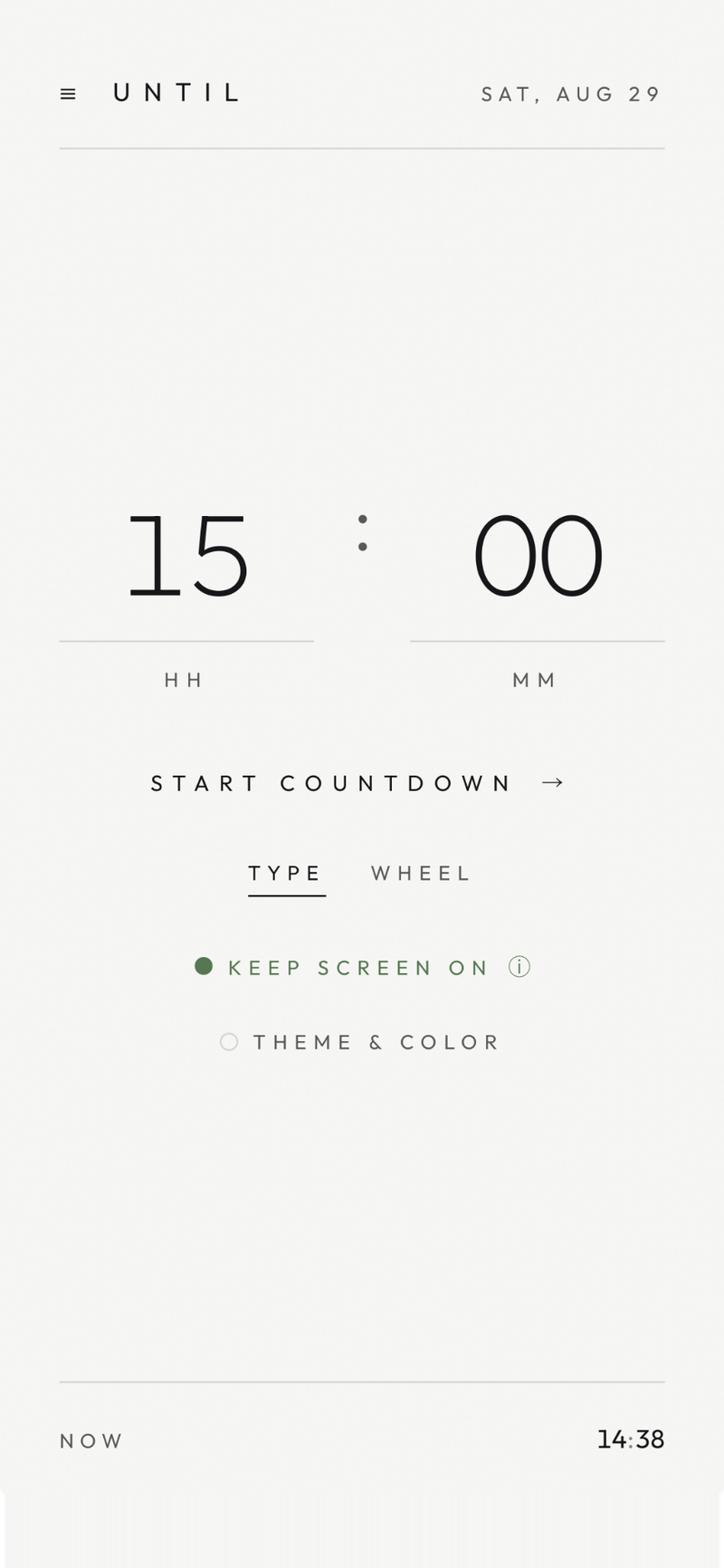
An exact time (AT) or minutes from now (IN). Two ways to enter it: TYPE and WHEEL.
An exact time (AT) or minutes from now (IN).
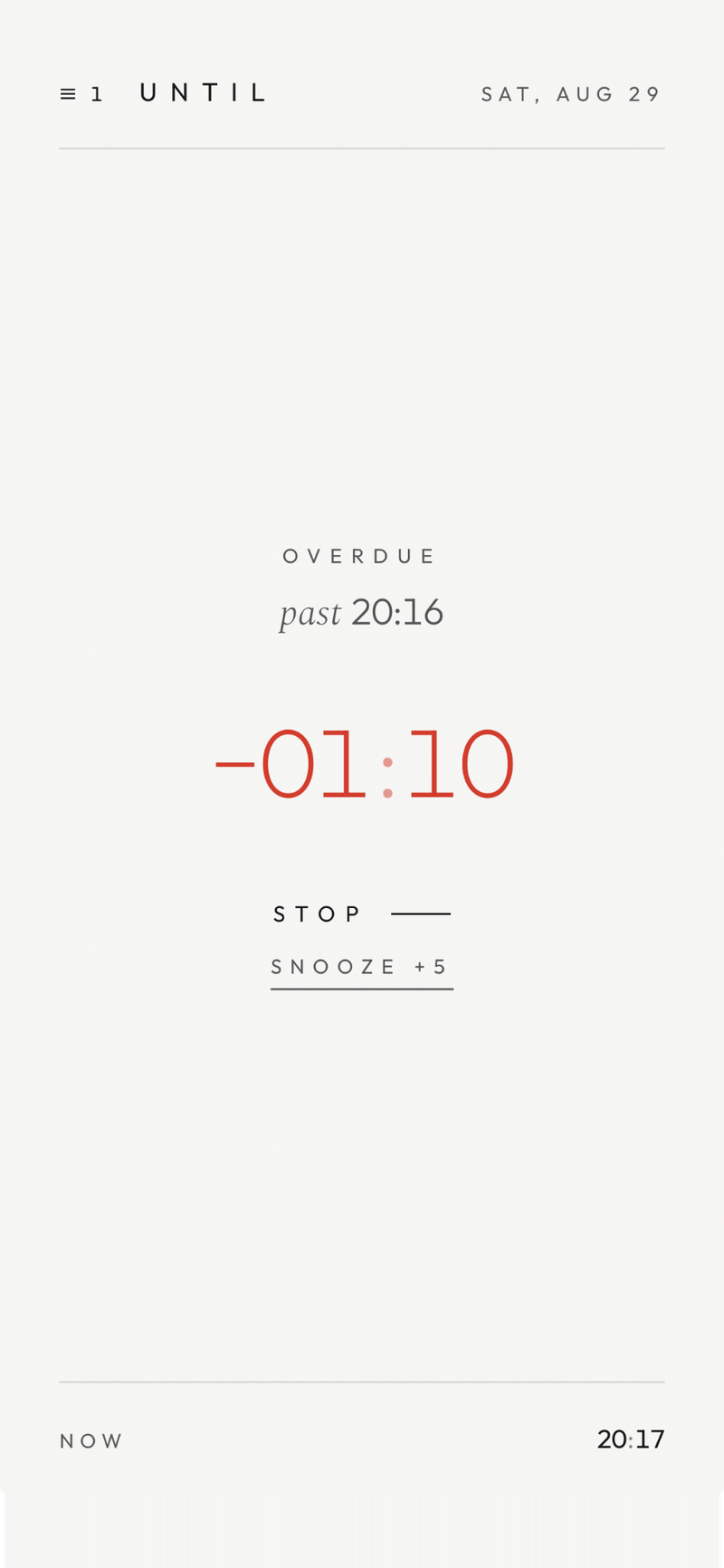
See how far past the time you are. Wrap up with STOP, or SNOOZE +5.
See how far past the time you are. STOP or SNOOZE +5.
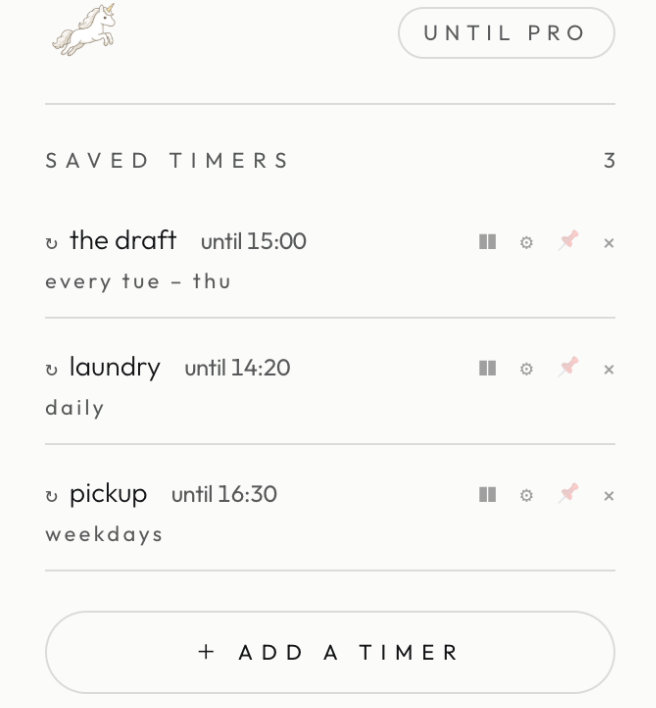
15:00 the draft
14:20 laundry
16:30 pickup
Today's deadlines, at a glance.
15:00 the draft / 14:20 laundry / 16:30 pickup.
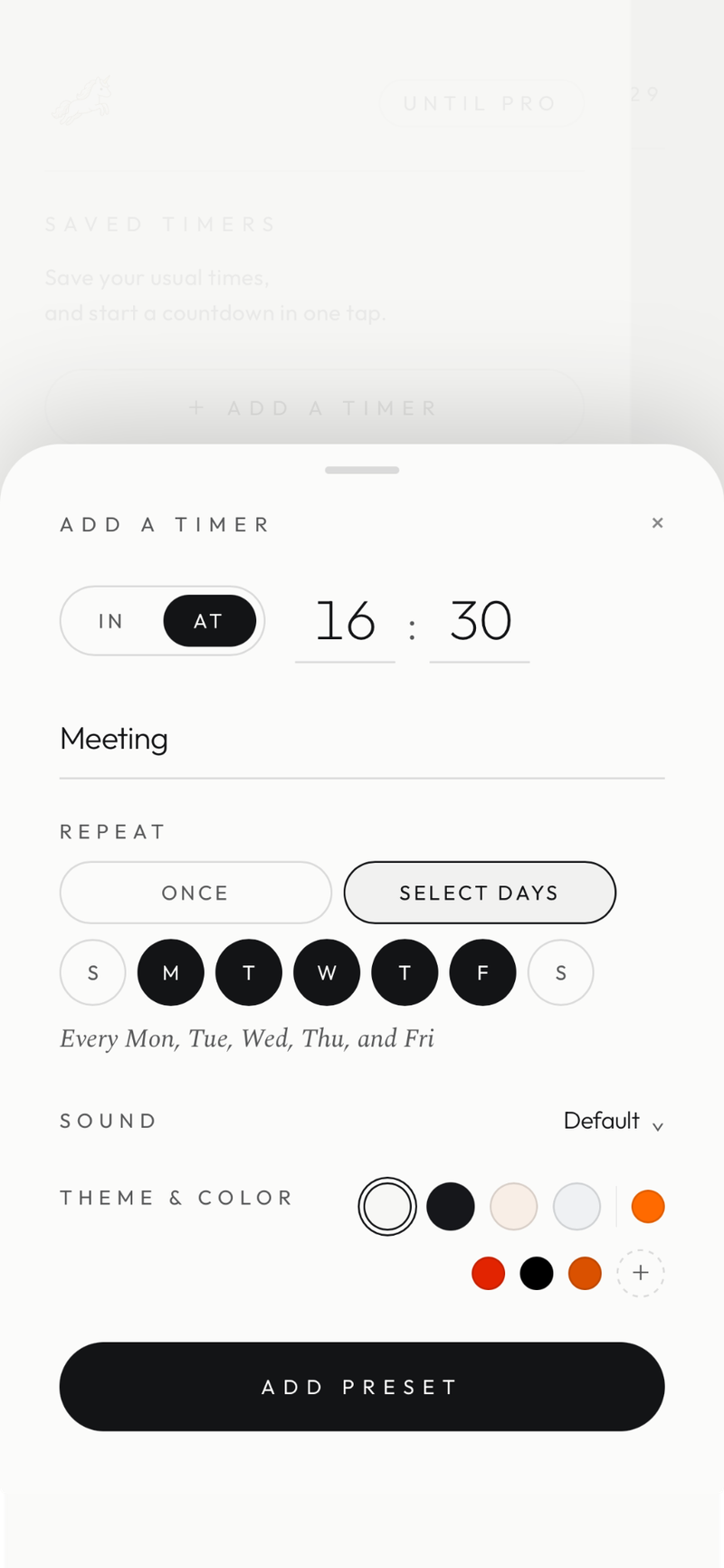
Start a countdown from a preset, in one tap.
Start a countdown from a preset, in one tap.
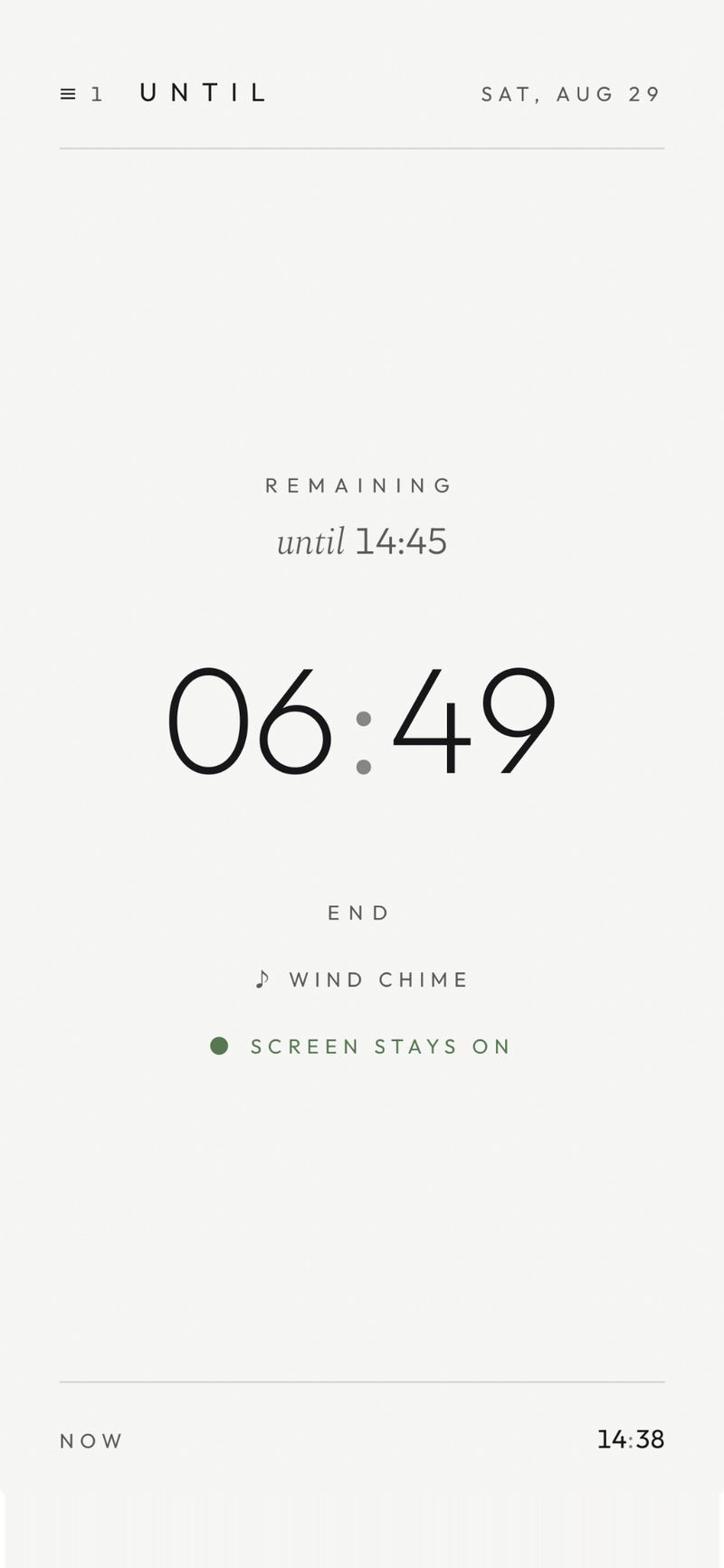
SCREEN STAYS ON. Keep it beside you, like a small desk clock.
SCREEN STAYS ON. Keep it beside you, like a small desk clock.
Sounds like Classic. Themes built on Paper.
Sounds like Classic. Themes built on Paper.
UNTIL pro
WHAT FREE INCLUDES
US$2.99 / month
Flexible monthly access.
US$14.99 / year
Equivalent to
≈ US$1.25 / month
About 58% less than paying monthly
14-day free trial
Then US$14.99/year. Cancel anytime.
US$69.99
Pay once. No recurring charge.
Displayed in USD for reference. Final price and currency are shown by the App Store and may vary by region.
FAQ
Unlike an ordinary timer, which only sets a length such as “25 minutes,” UNTIL lets you count down to a time of day, such as “finish by 3:30 PM.” It is for focusing while keeping your finish time in view. You can also set a number of minutes from now, such as “25 minutes from now.”
Yes. UNTIL supports both an exact end time, such as "by 3:30 PM" (AT), and a number of minutes from now, such as "25 minutes from now" (IN). Use it for a 25-minute focus session, a 50-minute work session, or a 15-minute sprint.
Yes. With IN, you can set 25 minutes for focus and 5 minutes for a break, so UNTIL can support the Pomodoro technique. You can also choose a rhythm such as 50 minutes of work + 10 minutes of rest, or 15 minutes of focus + 3 minutes of rest. UNTIL is not a dedicated automatic Pomodoro-cycle app: it does not switch automatically from 25 minutes of work to a 5-minute break and then repeat four times.
Yes. Use it for studying, work, reading, housework, or any moment when you want to focus toward an end. It supports both an end time such as “by 4:30 PM” and a duration such as “25 minutes.”
Yes. Counting down to an end time is free. Saving timers and more are UNTIL PRO features.
With a sound other than “Silent” selected, UNTIL plays it while the app or page is open and visible. On iPhone, if notifications are allowed, UNTIL can also notify you while the app is in the background or the device is locked. On the Web, closing the page or sending it to the background may prevent the sound. Notification, sound, and Focus settings on your device can also affect alerts.
Yes. You can cancel anytime from your subscription settings (the App Store on iPhone). Eligible customers can receive a 14-day free trial on the annual plan. Cancel before the trial ends and you won’t be charged; after cancellation, access remains available until the end date shown in your subscription settings.